Peekaboo: Hide Your Messy Desktop in One Click
December 25, 2025
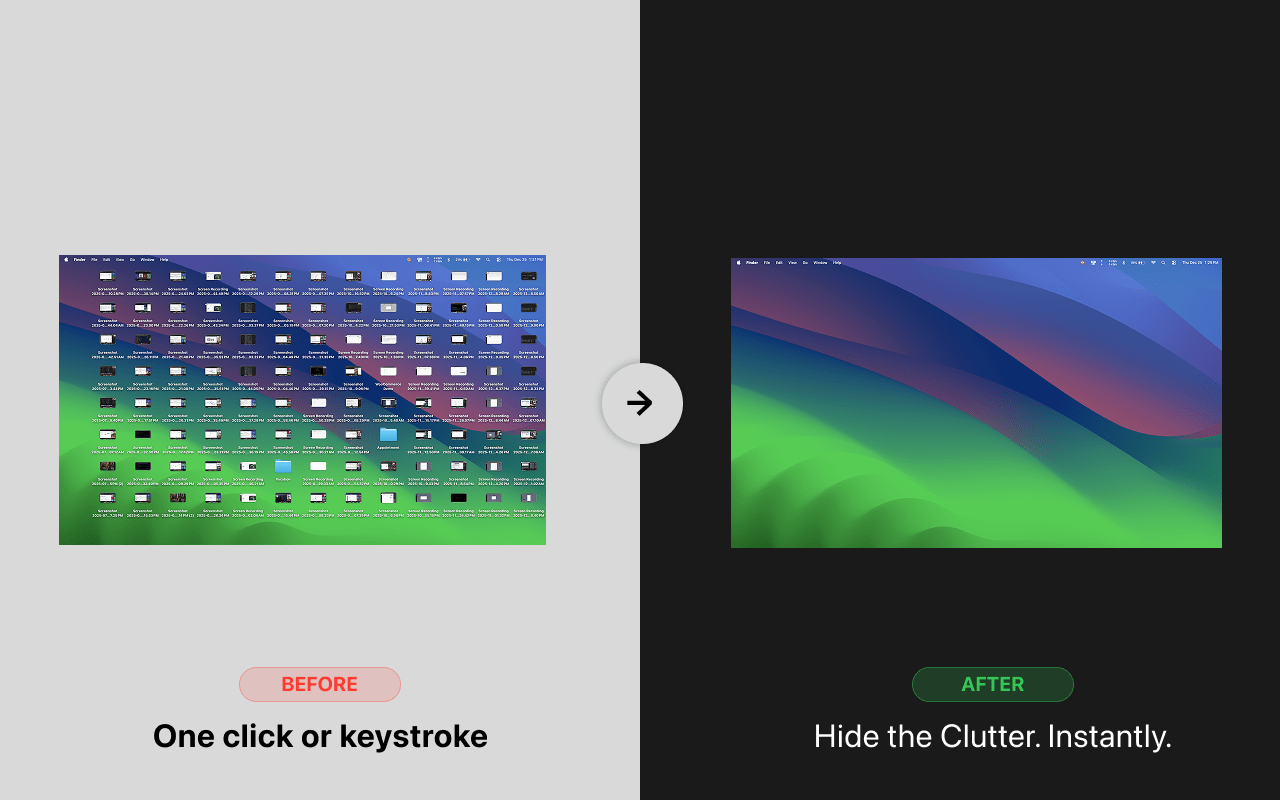
We’ve all been there — you’re about to share your screen on a call, and suddenly you notice the chaos. Screenshots from three weeks ago, random downloads, that embarrassing folder you forgot to hide. You frantically drag windows around trying to cover it up.
I built Peekaboo to solve this problem once and for all.
What is Peekaboo?
Peekaboo is a tiny macOS menu bar app that instantly hides your desktop icons and all open windows with a single click or keyboard shortcut. When you’re done presenting, one more click brings everything back exactly as it was.
Why I Built This
I’m someone who uses the desktop as a temporary dumping ground. Screenshots, downloads, quick notes — they all end up there. And every time I needed to share my screen, I’d spend 30 seconds minimizing windows and feeling embarrassed.
Existing solutions either:
- Only hid desktop icons (not windows)
- Required multiple clicks
- Were bloated with features I didn’t need
So I built exactly what I wanted: one shortcut to hide everything, one shortcut to bring it back.
Features
🎯 One-Click Toggle
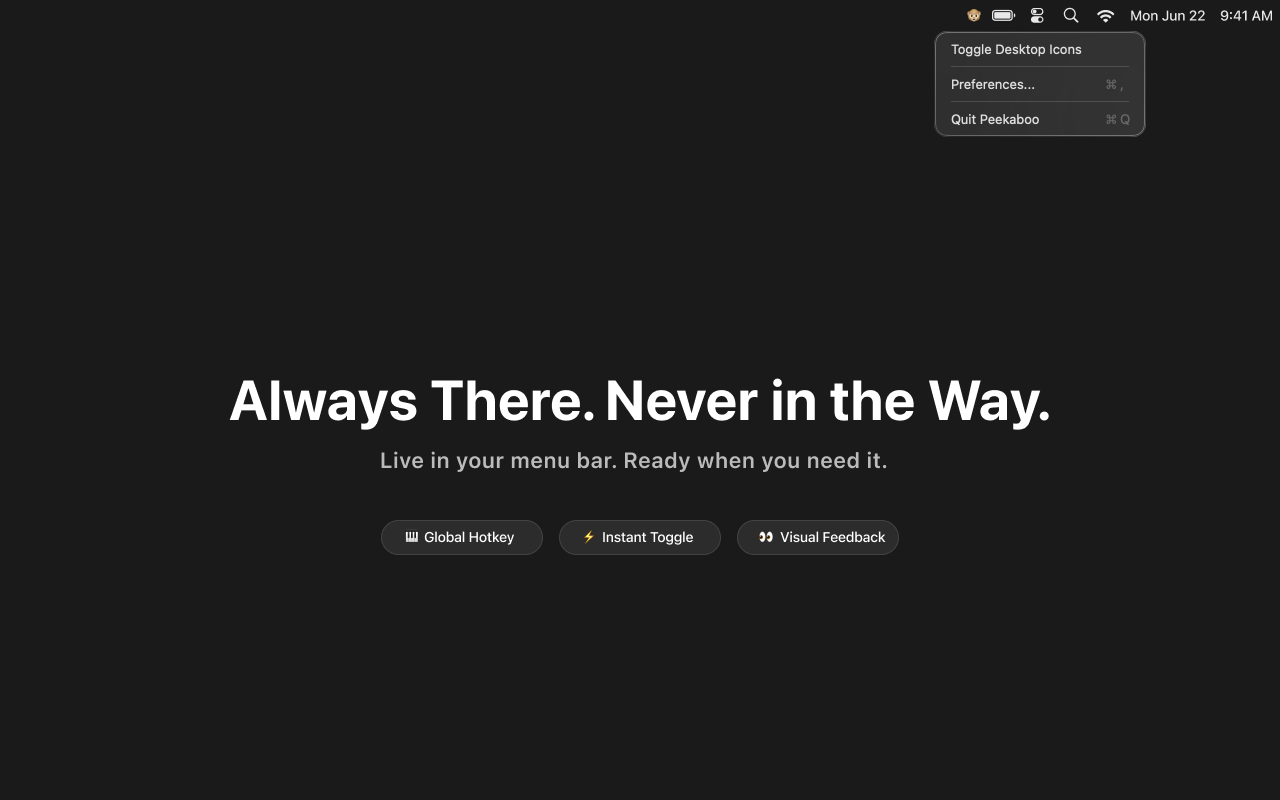
Click the monkey icon in your menu bar. That’s it. Desktop gone. Click again, it’s back.
⌨️ Global Keyboard Shortcut
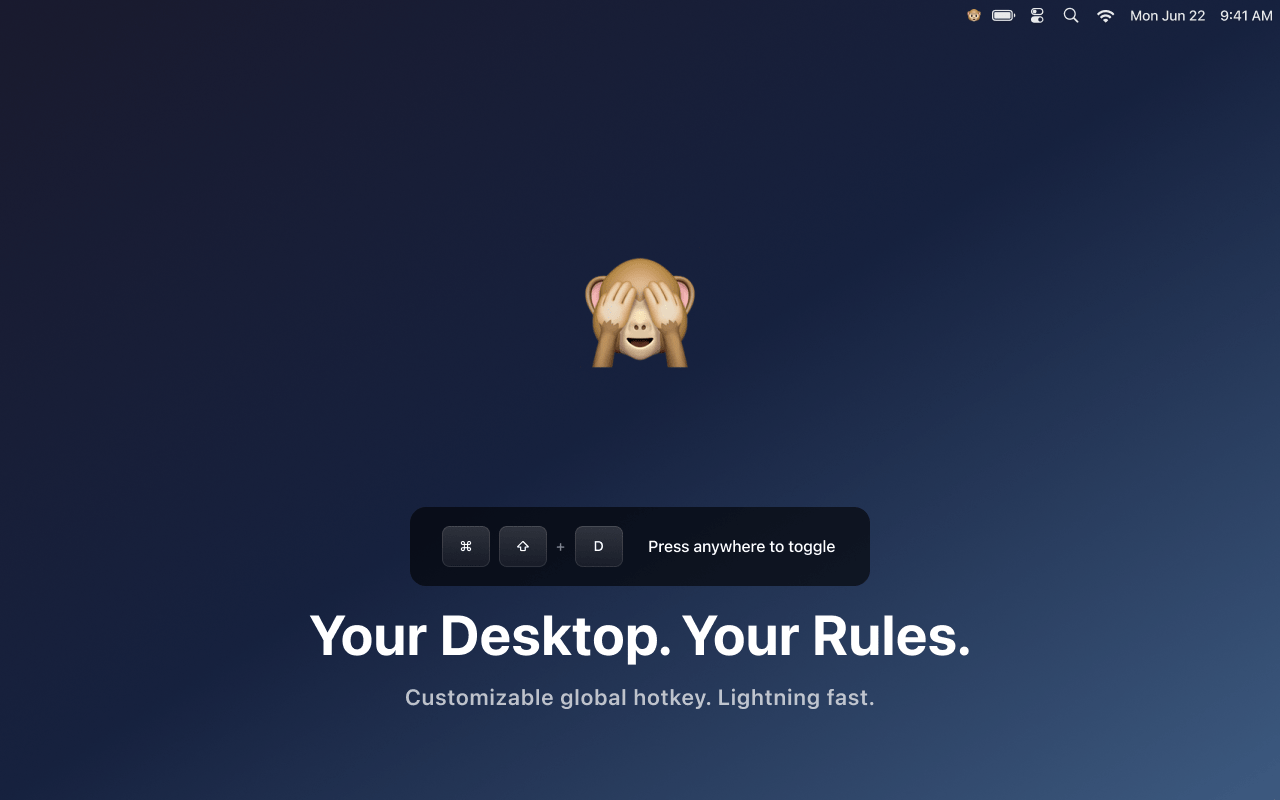
Press ⌘⇧D from anywhere — even while in a full-screen app or on a video call. Completely customizable in preferences.
🪟 Hides Windows Too
Unlike other tools that only hide desktop icons, Peekaboo minimizes all your app windows as well. True clean slate.
🔄 Auto-Updates
Built-in update system keeps you on the latest version without any manual downloads.
How It Works
When you trigger Peekaboo:
- Hide mode: All app windows get minimized, desktop icons disappear
- Show mode: Windows are restored, desktop icons reappear
The app remembers which windows were visible before hiding, so only those get restored — not every minimized window on your system.
Download
Grab the latest version from the GitHub releases page.
Requirements: macOS 11.0 (Big Sur) or later
Open Source
Peekaboo is completely free and open source. Check out the code, report issues, or contribute on GitHub.
Stop the pre-meeting panic. Download Peekaboo and share your screen with confidence.